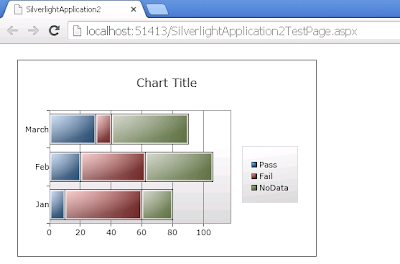
Silverlight Chart: Displaying Data Above the Bar
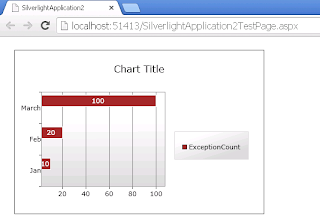
BarSeries bar value in top of the column in silverlight chart: Your final output will come like this XAML code: Style : Add the following Style to your xaml code <UserControl.Resources> <Style x:Key=" SeriesStyle1 " TargetType=" toolkit:DataPoint "> <Setter Property="Control.Background" Value="Brown"></Setter> <Setter Property="Control.Foreground" Value="White"></Setter> <Setter Property="MinHeight" Value="10" ></Setter> <Setter Property="MaxHeight" Value="20" ></Setter> <Setter Property="Control.Template" > <Setter.Value> ...